Custom Embroidered Slipper Design: Digitizing Files Buyers Should Know
2026-10-24 · embroidery digitizing,custom slippers,slipper OEM,sourcing tips,quality control
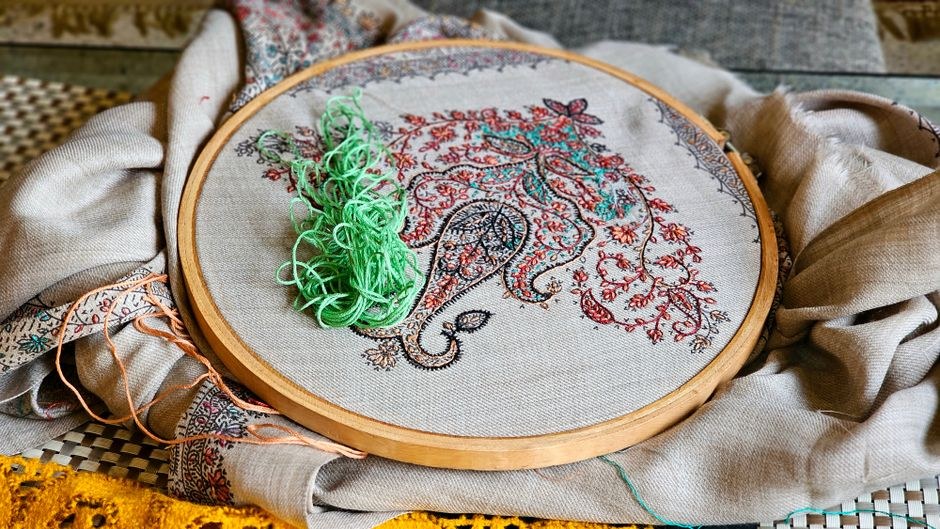
Embroidery digitizing, stitch-out samples, and artwork sizing are make-or-break details for custom slippers. Learn what files to send and what to demand.
If your custom slipper program includes embroidery, the artwork file is not a design detail—it is the decision that determines whether your logo looks crisp on a terry vamp or turns into a puckered blob. Most buyers send a JPEG and assume the factory will sort it out. The factory will sort something out, but it may not be what you approved. Here is how to control that process.
Why digitizing is not the same as printing
Embroidery is a stitching path, not an image. A digitizer translates your artwork into a sequence of stitch types, densities, underlay, and pull compensation so the machine can reproduce it on a curved, soft surface. That translation is where quality is won or lost. A print file can be any resolution; an embroidery file is a set of physical instructions. If the digitizer guesses wrong about stitch density or underlay, the finished logo will pull the cotton loops, distort the shape, or feel stiff against the foot.
For a custom embroidered slippers order, insist that the factory—or its digitizing partner—produces the file specifically for the fabric you are using. A file digitized for a flat canvas tote will not behave the same on a plush or terry vamp. Ask what substrate the file was built for before you approve anything.
Artwork sizing: small logos are harder than large ones
Buyers often shrink a logo to fit a 3 cm area and expect the same legibility. At small sizes, thread coverage becomes the limiting factor. Fine lines close up, small text fills in, and negative space disappears. Before you commit, ask your cotton slippers manufacturer for the minimum recommended size for each element in your logo—text, icons, borders—and adjust the layout rather than forcing it.
- Text: small lettering needs a minimum height set by the factory; condensed fonts are a risk.
- Line weight: thin strokes need a minimum width or they stitch into a solid mass.
- Gradients and shadows: these do not translate directly; expect to simplify them into thread colors.
- Placement: the vamp curve distorts any design that assumes a flat plane. Ask for a placement template.
A good rule: if your logo depends on fine detail to be recognizable, it is a candidate for a woven label or print instead. Embroidery rewards bold, simple shapes.
What files to send and what to ask for back
Send vector artwork—AI, EPS, or PDF—with fonts outlined and colors specified in thread references where possible. Raster files are usable only if they are high-resolution and single-color. State the finished size and placement on the slipper, and say which thread colors are fixed versus open to substitution.
What you want back is not a promise but a stitch-out sample: the design actually stitched on the fabric you will use, at the size you specified. Review it on the slipper, not flat on a table. Check for puckering, thread breaks, misregistration between colors, and whether the logo reads at arm’s length. If the factory cannot provide a stitch-out before bulk, treat that as a signal about how it handles custom samples and designs generally.
Approve the stitch-out, not the vector file. The vector shows intent; the stitch-out shows what you will ship.
Cost and lead-time drivers buyers underestimate
Embroidery adds cost in three places: digitizing (usually a one-time fee, sometimes waived at volume), stitch count (more stitches mean more machine time), and the sample loop. A design with eight thread colors and dense fill will cost more per pair than a three-color outline—and may not look better. Ask for the stitch count per logo and compare quotes on that basis, not just the unit price.
Lead time is affected less by the embroidery itself than by how many revision rounds the sample takes. Budget for one or two rounds and give clear feedback in a single batch. For OEM programs, confirm whether the digitized file is yours to keep and reuse with another supplier; some factories treat it as their property. Put that in writing.
Also confirm how embroidery interacts with the rest of the slipper: does the backing or stabilizer touch the foot, and will it soften after washing? If the slipper is washable, ask for a wash test on the embroidered area—thread shrinkage and backing break-down are common failure points.
Practical steps before you place the bulk order
- Send vector artwork with fonts outlined and colors referenced; state finished size and placement.
- Ask for the minimum legible size for each element and simplify the design if needed.
- Request a stitch-out sample on the production fabric at production size; evaluate it on the slipper.
- Get the stitch count and thread color list in the quote so you can compare suppliers fairly.
- Confirm ownership of the digitized file and its reuse rights in writing.
- If the slipper is washable, include a wash test on the embroidered area in your approval protocol.
- Keep the approved stitch-out as the reference standard for pre-shipment inspection.
None of this is exotic. It is the difference between a slipper that carries your brand cleanly and one that quietly erodes it every time a customer looks down. Treat the digitized file and the stitch-out as controlled documents, and the rest of the embroidery conversation gets much shorter.